





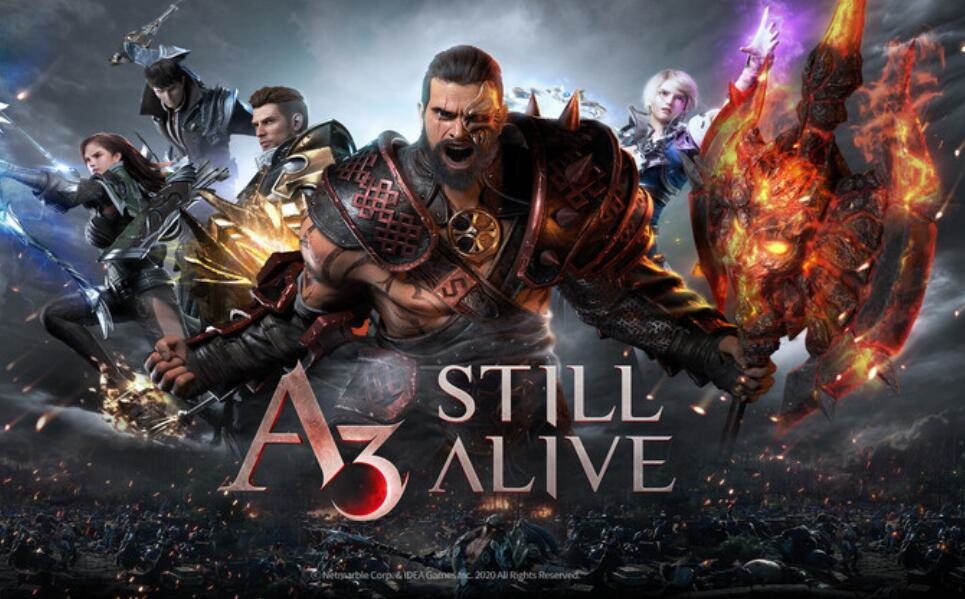
Beginner's Guide | The gameplay and class of A3: STILL ALIVE
Through this guide, every player can quickly adapt to the game, and you can choose to play it on an Android device or on a PC through the Redfinger Android emulator.


Discover realiable reviews and user guide on gameplay and applications.
Through this guide, every player can quickly adapt to the game, and you can choose to play it on an Android device or on a PC through the Redfinger Android emulator.
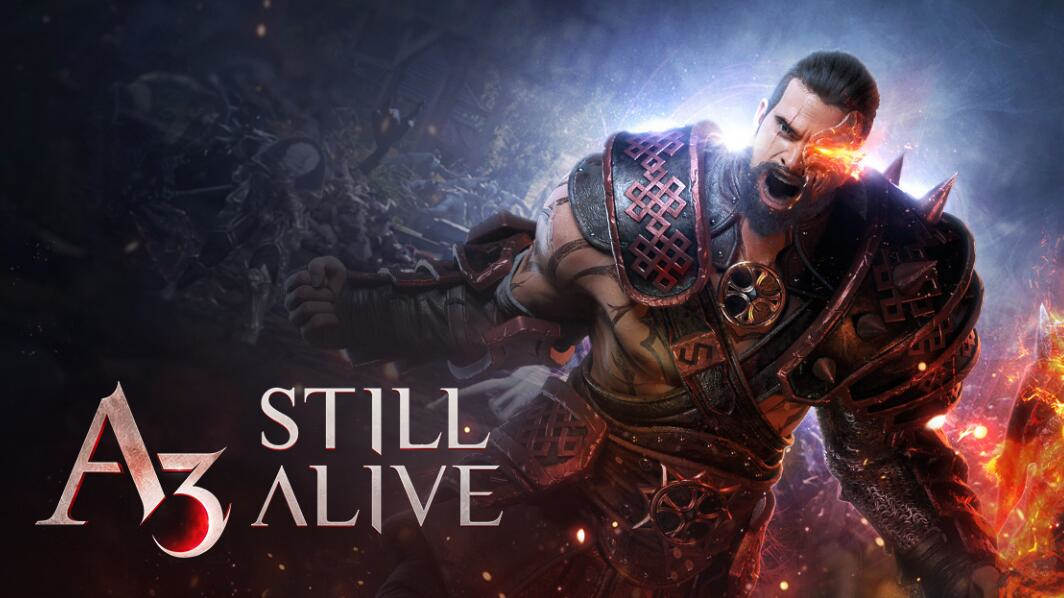
Despite A3: STILL ALIVE being out for a while, new players are still joining the game every day. Whether you're a beginner or looking to play A3: STILL ALIVE on your PC, this guide is here to assist you.
By using an Android emulator, you can run Android games on your PC and take advantage of features such as customizable settings, cheat codes, and more. Whether you're a casual gamer or a hardcore enthusiast, playing Android games on a PC is worth exploring.
As a gaming enthusiast, I understand the importance of having the right tools and resources to enhance your gaming experience. One of such tools is an Android emulator, which allows you to run Android apps and games on your PC. In this guide, we will introduce some of the best Android emulators.Bene
Using Android emulators to play Android games on a PC is a convenient and enjoyable experience, but it's crucial to consider both the advantages and disadvantages before making a decision.
When it comes to running Android games on desktops, it's essential to have an emulator that provides uninterrupted service and meets the needs of gamers.
We'll discuss some key factors to consider when choosing an Android emulator and take a closer look at some popular options. Learn how to choose the best Android emulator by reading this guide.
Choosing the right Android emulator for gaming on PC can be a daunting task. However, with the above options, you can't go wrong. Each emulator offers unique features that cater to different needs, and it's up to you to decide which one suits your preferences best.
Android emulators have been gaining popularity in recent years as they allow users to run Android apps and games on their PCs. However, not all emulators are created equal, and some offer more advanced features than others.

While playing on a smartphone can be convenient, it doesn't always provide the same level of gameplay that one can achieve on a larger screen or more powerful device. Luckily, there's a straightforward solution to this problem: using an Android emulator.
Try the best Android emulator to unleash the potential of your apps and cloud games across all platforms.
GET STARTED