Wechat
Busuness account

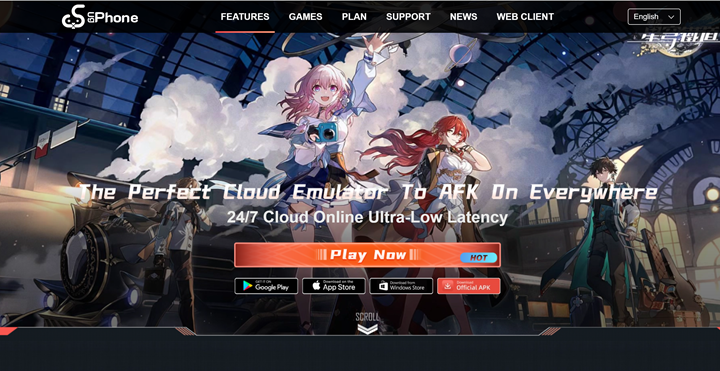
Welcome to the world of UgPhone, where your smartphone’s abilities know no bounds! Whether you’re a gaming fanatic, a tech-savvy professional, or just someone who loves trying new apps, UgPhone offers a versatile platform that caters to everyone.
But wait, what if you could take this experience to the next level? In this comprehensive guide, we’ll walk you through everything you need to know about UgPhone download, UgPhone login, and explore its best UgPhone alternatives.
So, let’s dive in and unlock the full potential of your digital life!
UgPhone is like that all-in-one tool you’ve always dreamed of, but instead of making breakfast, it serves up a world of apps, games, and more. If you’re new to UgPhone, don’t worry; the process of getting started is as easy as pie.
To begin your journey, you first need to download UgPhone. Simply visit the official UgPhone website or search for it in your device’s app store. Whether you’re using an Android or iOS device, the UgPhone download is very straightforward.
Once you find the app, click on the download button and let the magic happen. Make sure you have a stable internet connection; no one likes a download that gets jammed at 99%!
Visit the official website or app store
Search for UgPhone in your device’s app store or head to the official website. You’ll find clear instructions for your device. Many friends may be worried about whether UgPhone is safe. Just ensure you download from the official channels.
Download the app
Click the download button and let it install. Make sure your device has a stable internet connection and sufficient storage space.
Android-specific steps
If downloading directly from the UgPhone website, you may need to enable "installations from unknown sources" in your settings. Follow the prompts—it’s straightforward.
For iOS devices
Follow the App Store prompts to complete the download. Double-check that your system software is updated for the best experience.
Check for updates
After installation, check for app updates to access the latest features and security patches.
After downloading the app, the next step is to log in. The UgPhone login process is simple and user-friendly. You'll need to create an account if you're a new user. Just enter your email address, choose a strong password (no, "123456" is not strong enough), and you're good to go.
If you already have an account, simply enter your credentials and hit the login button. And voila! You’re now inside the UgPhone realms, ready to explore.
UgPhone also offers the possibility of logging in using social media accounts like Facebook or Google. This makes the UgPhone login process even more seamless, especially for those who are not good at remembering multiple passwords.
Once you’re logged in, don’t forget to check if you have any UgPhone redeem codes available. These codes can be entered into the app to unlock special features, discounts, or in-app purchases. It's like finding a golden ticket in your candy bar—who wouldn't want that?
Forgotten passwords: Use the "Forgot Password" option to reset it quickly via email.
Slow downloads: Switch to a stable Wi-Fi connection and ensure no other apps are consuming bandwidth.
App crashes: Check for app updates or clear the app cache in your device settings.
Login issues: Double-check your email and password. If problems persist, contact UgPhone support.
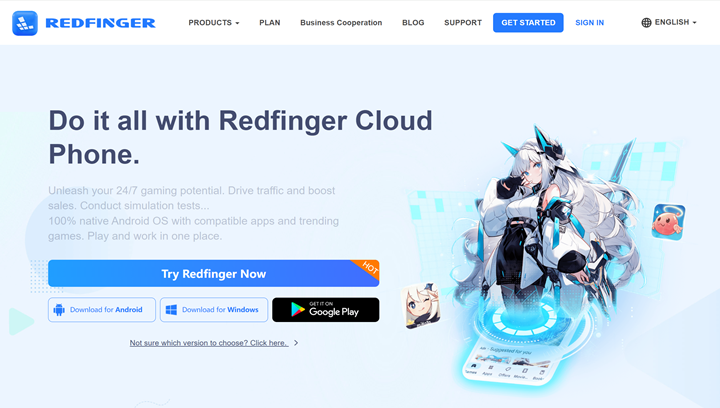
Now that you’re all set up with UgPhone, you might be wondering, "Is there a way to make this even better?"Or, “What if there is an UgPhone free alternative?” The answer is a booming yes! Meet Redfinger, the ultimate UgPhone alternative free. But what exactly is Redfinger, and why should you care? Let’s find out!
Imagine having a second phone that you can access from any device, anywhere, and at any time. That’s Redfinger put in a nutshell. Redfinger is an android cloud emulator that allows you to use Android apps on your PC, tablet, or any other device with internet availability. It's like having a virtual smartphone in the cloud, without the hassle of hardware confines.
Redfinger offers a full-fledged Android environment, meaning you can download and use any app available on the Google Play Store. From games to productivity tools and, of course, UgPhone, Redfinger lets you experience everything the Android platform has to offer, but with the additional benefits of cloud technology.
Special offers and benefits for Redfinger users
Redfinger offers exclusive benefits to both new and existing users. New users can enjoy a 6-hour free trial to explore the app's features, including cloud gaming and mobile app usage. Additionally, all users receive a lavish discount, making Redfinger's services accessible and affordable. Whether you're new or a loyal customer, Redfinger continually enhances your experience with special promotions and deals.
Redfinger android cloud phone download is as easy as making a cup of coffee (minus the caffeine jitters). Here’s a step-by-step guide to help you do it easily!
Download and install Redfinger
Visit the official Redfinger website or your device's app store to download the app. Make sure to choose the version compatible with your OS. After the download is complete, follow the on-screen instructions to install the app on your device.
Create an account and log in
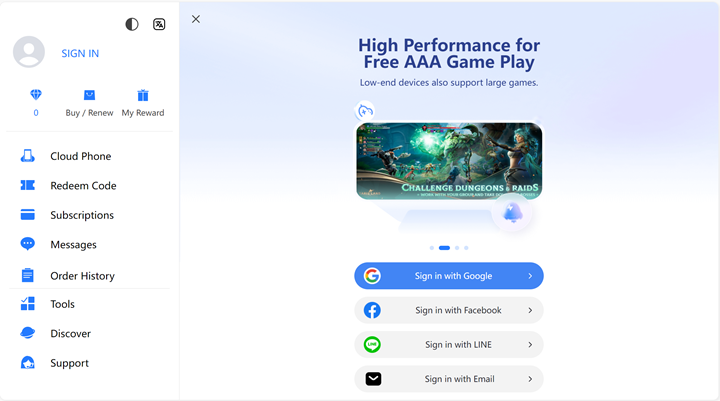
Once the installation is done, open the Redfinger app. If you're a new user, you'll need to create an account by providing your email address and setting up a password. Existing users can simply log in with their login details. This account will give you access to Redfinger's virtual Android platform.
Launch games and start playing
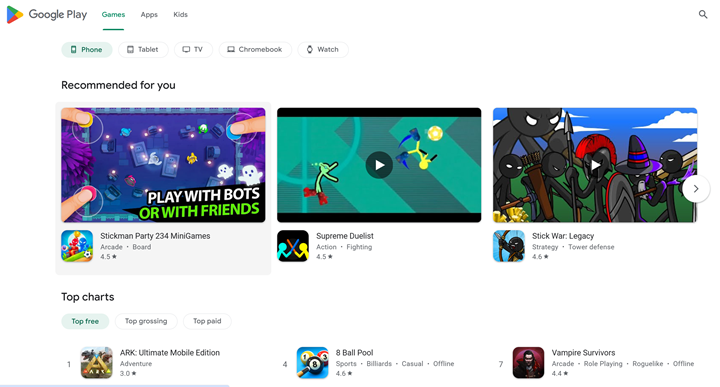
Within the Redfinger app, navigate to the virtual device's app store or game library, download your favorite games, and start playing seamlessly on the cloud-based Android system. Enjoy gaming without the limitations of hardware performance or storage space.
If you’re wondering why Redfinger should be your go-to platform, here’s a quick rundown of its top benefits:
Enhanced Performance
Enjoy faster load times, seamless gameplay, and lag-free browsing, even with apps like UgPhone.
Unlimited Storage
No need to delete files—store all your apps, data, and more without worrying about space.
Access Anywhere
Switch between devices easily with Redfinger’s cloud-based technology, perfect for multitaskers or larger screens.
Safe and Secure
Keep your data private and safe in the cloud, even if your physical device gets lost or damaged.
Cost-Effective
Save money by skipping expensive hardware upgrades. Redfinger gives you premium performance at a fraction of the cost.
Perfect for Gamers and Professionals
Gamers get smooth HD graphics, while professionals can run productivity tools effortlessly.
Eco-Friendly
Reduce e-waste and energy use by relying on cloud technology instead of constant hardware upgrades.
Try Redfinger today with a six-hour free trial and unlock all these benefits instantly. Upgrade your digital experience now!
When it comes to choosing the right platform for your digital needs, comparing UgPhone and Redfinger helps highlight their unique strengths. Both platforms are versatile, but they cater to slightly different user requirements. Here’s a breakdown to help you decide:
|
Feature |
UgPhone |
Redfinger |
|
Platform Type |
Native mobile app for apps, games, and more |
Cloud-based Android emulator |
|
Accessibility |
Limited to mobile devices |
Multi-device access via cloud technology |
|
Performance |
Dependent on device hardware and specifications |
Independent of device hardware; runs on the cloud |
|
Storage |
Limited to the device’s storage capacity |
Virtually unlimited storage in the cloud |
|
Ease of Use |
Simple to install and navigate |
User-friendly with straightforward setup |
|
Cost |
Free to download; charges may apply for premium features |
Cost-effective with affordable plans and discounts, new users have 6 hour free trial |
|
Special Features |
Offers app-specific functionalities and redeem codes |
Supports multitasking, seamless gaming, and productivity apps |
If you want a smooth, always-on setup, a top UgPhone alternative is a true Android cloud device that keeps games running 24/7. Redfinger cloud phone is built for AFK loops and long grinds. It offers nodes in the US, Taiwan, and Singapore, which helps lower latency for SEA and North America. In our tests, typical round‑trip latency sits around 50–120 ms depending on route and time. It also cites ISO/IEC 27001 and 27701, which is helpful for audits.
An UgPhone alternative that runs a native Android instance tends to keep sessions alive when your local phone is off. That means fewer app restarts and fewer drops. Expect setup in 3–5 minutes, with continuous sessions suitable for idle RPGs or automation. For teams, a secure cloud phone for business with transparent node coverage is easier to plan. Redfinger cloud phone discloses multiple regions and cites security standards, which adds confidence for compliance reviews. 
Yes. A good UgPhone alternative for multi‑account marketing supports isolated Android instances and independent IP options, lowering correlation risk for campaigns. Marketers usually start with 3–10 instances and scale to 20+ as budgets grow. Keep creatives, pixels, and logins separated. With nodes in the US and Asia, you can match geo to ad delivery for steadier CTR and CPA. Pair this with lightweight automation, and review performance weekly instead of daily firefighting.
The move is simple: 1) export your app data or bind accounts; 2) sign up on the UgPhone alternative; 3) install the same apps; 4) restore data and test. Most users finish in 10–15 minutes per app stack. Keep your main and test stacks separate for one week to avoid surprises. If you use 2FA, rebind it on day one. This way, your games and tools run on a native Android cloud device without losing progress.
Be careful with random codes from forums. Many expire fast or carry risk. Instead, look for official trials on an UgPhone alternative. Typical trials last 3–7 days; that’s enough to check latency, game stability, and automation flows. If you need longer, ask sales for an extension tied to your use case. This is safer than hunting for unofficial UgPhone redeem code alternative posts that may violate terms or expose you to fraud.
If you handle payments, user data, or enterprise work, yes—security and privacy frameworks matter. Providers that cite ISO/IEC 27001 for security and ISO/IEC 27701 for privacy signal mature controls and audit readiness. This makes vendor reviews faster for SMBs and agencies. Redfinger cloud phone publicly mentions these standards, which reduces back‑and‑forth with compliance teams and legal checklists for bigger clients.
Pick the nearest node to your players or customers, ideally within 1–2 network hops. For action titles, aim for under 80 ms; for idle or strategy, sub‑120 ms is usually fine. Use 5 GHz Wi‑Fi or Ethernet, close background downloads, and test at three time slots (morning, peak, late). With nodes in Singapore, Taiwan, and the US, a well‑tuned UgPhone alternative can keep your AFK loops steady all night.
User quotes
If you want fewer restarts, stable AFK loops, and less guesswork, pick an UgPhone alternative that runs a native Android cloud device with clear node coverage and security signals. On cloudemulator.net, Redfinger cloud phone stands out for always‑on sessions, transparent regions in the US, Taiwan, and Singapore, and references to ISO/IEC 27001/27701 that make audits easier. Test it today, then move your daily gaming or multi‑account marketing flows once you’re sure. When you’re ready, subscribe to unlock higher specs and more instances.
Try the best Android emulator to unleash the potential of your apps and cloud games across all platforms.
GET STARTED