Wechat
Busuness account

Telegram is one of the most popular messaging apps worldwide. While it’s traditionally known for phone number-based logins, logging in with email can be a convenient and secure alternative.
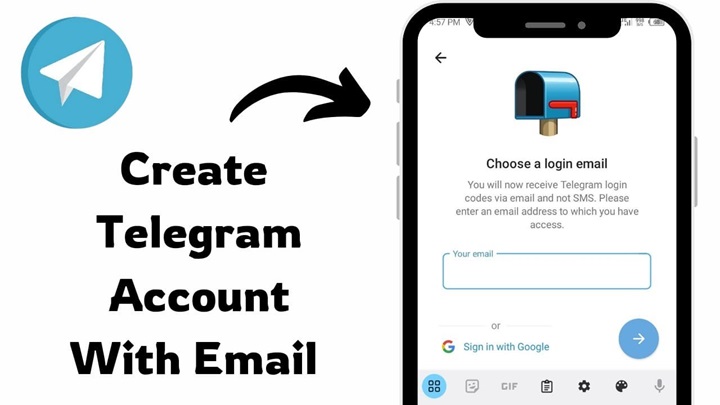
On a work trip and your SIM suddenly stops? SMS codes won’t arrive, and Telegram won’t let you in. The quickest fix is telegram login with email. It works on a new device, in the cloud, or on the web. It keeps your number private and pairs well with 2‑Step Verification. This guide gives you a clear 5‑step flow to log in to Telegram with email and simple fixes for common errors. For sellers, social managers, and gamers, telegram login with email makes multi‑device switching safer; for personal users changing numbers or losing a SIM, it keeps chats running. Your inbox will get a 6‑digit code or a login link in seconds; if nothing shows up, jump to the fixes below. As a long‑term cloud phone provider, we also add tips for using telegram login with email in clean cloud environments.
When it comes to managing your Telegram account, telegram login with email offers several key advantages over phone-based logins. First and foremost, it ensures added security. With email login, your account is linked to a personal email address, which is often more secure than a phone number, reducing the risks associated with SIM card swapping or phone number hijacking.
Moreover, using an email for log in telegram with email simplifies the process, especially for users who may not have access to a phone number at the moment. Whether you're on a new device or have lost your phone, email login gives you another way to access your account without requiring a phone number.
Finally, email login offers better privacy for those who prefer to keep their personal phone numbers private while still enjoying the full functionality of Telegram.
To sign in Telegram with email, follow these easy steps:
Open Telegram: Begin by opening the Telegram app or visiting the Telegram web app via your browser.
Select 'Sign In': On the welcome screen, choose the option to sign up Telegram with email instead of entering your phone number.
Enter Your Email Address: Provide the email address you wish to use for your telegram sign up with email. Ensure this is a valid and accessible email address, as you'll receive a verification link here.
Check Your Inbox: Telegram will send a confirmation code or a login link to your email. Open your inbox and locate the message from Telegram. Click on the verification link or copy the code.
Complete the Login Process: Paste the verification code into the app or click the link to complete your telegram log in email process.
Access Your Account: Once your email is verified, you can easily log in telegram via email and start using Telegram on your device.
By following these simple steps, you’ll have full access to your Telegram account, securely and efficiently.
Redfinger is a cloud-based Android emulator that allows users to run Telegram and other apps 24/7 on a virtual device. It provides a seamless experience across multiple devices, making Telegram access easier and more convenient.
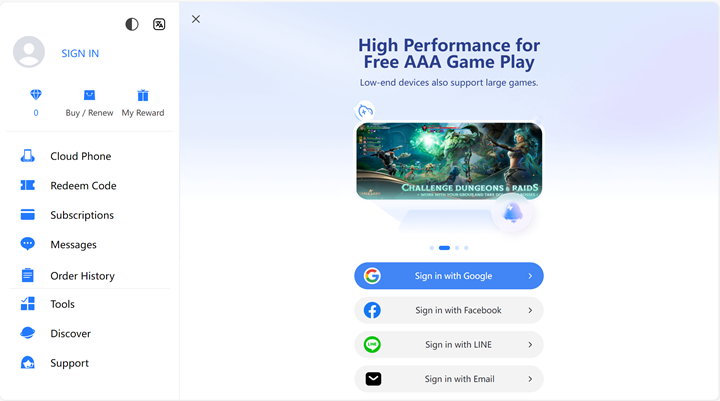
Step 1: Visit the Official Redfinger Website
Go to the Redfinger website and log in to your account. Android users can also install the Redfinger app from Google Play Store.
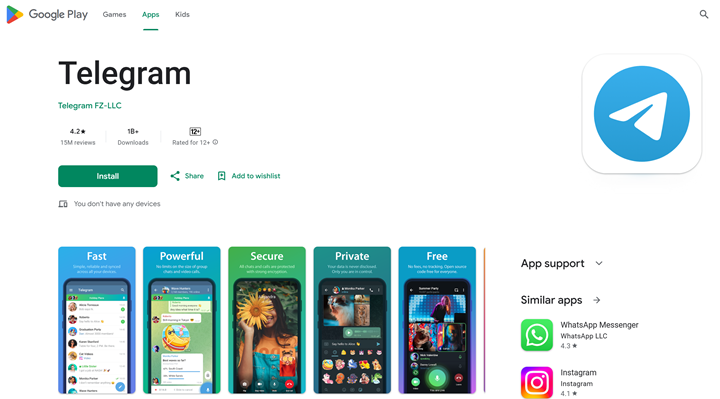
Step 2: Download the App
From your Redfinger dashboard, search for Telegram and download the app.
Step 3:Run Telegram on Redfinger
Access Telegram directly through Redfinger’s cloud phone, no need to install it on your local device.
In conclusion, telegram login with email provides a secure, convenient alternative to the traditional phone number login method. It’s easy to set up and offers enhanced privacy for those who prefer not to share their phone number.
If you want an even more flexible way to access Telegram, Redfinger offers a great solution with its cloud-based platform, making it easier than ever to manage your Telegram accounts. For more information about using Telegram on Redfinger, check out the Telegram Mod APK guide.
Yes, you can sign up for Telegram with email. Telegram now allows users to create accounts using an email address rather than a phone number.
If you’re having trouble with telegram login with email, check your inbox for the verification code, ensure you’ve entered the correct email, and verify your internet connection. If the problem persists, contact Telegram support.
Yes, once you’ve successfully logged in Telegram with email, you can access your account on multiple devices, including through Redfinger for 24/7 access.
Try the best Android emulator to unleash the potential of your apps and cloud games across all platforms.
GET STARTED